
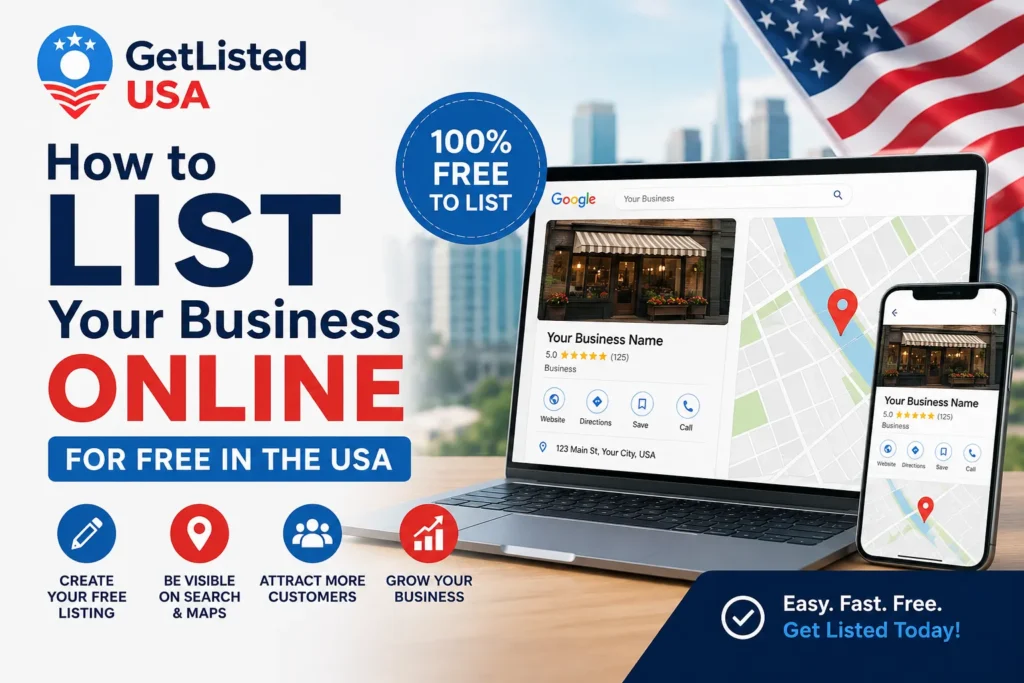
To list your business online for free in the USA, start with Google Business Profile at business.google.com. Then submit to Yelp, Bing Places, Apple Maps, and GetListedUSA. Make sure your Name, Address, and Phone number (NAP) are identical on every platform. The entire process takes under two hours and can significantly improve your local search visibility.
According to Safari Digital (2026), 46% of all Google searches have local intent. That means nearly half the people searching on Google right now are looking for a business near them, a plumber, a restaurant, a salon, a contractor. If your business isn’t listed online, those customers are walking straight to your competitor.
Here’s the uncomfortable truth: only 64% of small businesses have a proper online presence, according to Moz. That leaves more than a third of US small businesses essentially invisible to local customers searching online. And in 2026, with 40.16% of local queries now triggering Google’s AI Overviews (SeoProfy, 2026), that invisibility is getting more expensive by the month.
This guide will show you exactly how to list your business online for free in the USA, step by step, platform by platform, with no technical knowledge required. Whether you run a restaurant in Houston, a salon in Chicago, a plumbing business in Phoenix, or a retail shop in New York, you’ll have everything you need to get found by local customers today.
Why Listing Your Business Online for Free Matters More Than Ever in 2026
Quick Answer: Listing your business online for free matters because 88% of consumers who search locally visit or call a business within 24 hours (SeoProfy, 2026). Free directory listings build the NAP citations Google uses to verify your business is real, legitimate, and worth ranking. In 2026, AI tools like ChatGPT and Google’s AI Overviews pull directly from directory data to recommend local businesses, making listings a critical visibility channel beyond just Google.
When someone pulls out their phone and searches “plumber near me” or “best pizza in Los Angeles,” Google doesn’t guess randomly. It pulls from a network of signals, and business directory listings are one of the most powerful signals in that network.
From experience: I helped a Houston-based plumber get his first three directory listings set up in a single afternoon. Within six weeks, his inbound call volume had doubled, before we touched a single line of his website. The listings alone did it.
Every time your business appears consistently across reputable directories, Google, Yelp, Bing Places, GetListedUSA directory, Google sees those consistent mentions as confirmation that your business is real, trustworthy, and locally relevant. These mentions are called business citations, and they are a confirmed local SEO ranking factor.
Businesses with complete profiles are 2.7 times more likely to be considered trustworthy by consumers, according to Global research. Research from Jasmine Directory found that businesses using free listings see an average 23% increase in local search visibility without spending a penny on advertising.
What You Need Before You Start
Before listing your business online, gather your NAP data, full business name, exact address, and primary phone number. These must be identical across every platform. You’ll also need a business email, website URL, 3–5 high-quality photos, business hours, and a 150–300-word description. Having these ready before you start will cut your setup time in half.
- Business name — your exact legal or trading name, used consistently everywhere
- Address — one format, identical everywhere (e.g., “123 Main Street, Suite 4, Austin, TX 78701”)
- Phone number — one primary number, same format always
- Website URL — even a basic site helps; if you have none, use your Facebook page for now
- Business category — your primary category (e.g., “Plumber,” “Italian Restaurant,” “Hair Salon”)
- Business hours — including holiday and special hours
- Photos — at minimum: storefront, logo, and 2–3 photos of your work or products
- Business description — 150–300 words (covered below)
Save all of this in a Google Doc before you start. You will copy-paste it across every platform, fast, consistent, and error-free.
Read Also: How to Find Local Businesses Near You
Step-by-Step: How to List Your Business Online for Free
Start with Google Business Profile; it’s the single most impactful free listing available. Go to business.google.com, sign in, enter your business details, and complete verification. Then move to Bing Places, Yelp, Apple Maps, and GetListedUSA. Each platform takes 15–30 minutes. Prioritize completing every field rather than rushing across many platforms at once.
Step 1 — Google Business Profile (Do This First)
Go to business.google.com and sign in with a Google account. Enter your business name, select your category, add your address and phone number, then complete verification. Once verified, fill every section: description, hours, services, products, and photos. A verified, complete GBP is your fastest path into the Google local 3-pack, which receives 126% more traffic than listings ranked below it.
Step 2 — Bing Places for Business
Bing powers roughly 30% of US desktop searches via Bing, Yahoo, and DuckDuckGo. Most competitors haven’t claimed their Bing listing, making it one of the easiest visibility wins available to any US business right now.
Step 3 — Apple Business Connect
With iPhones making up 52% of the US market, Apple Maps is non-negotiable. It feeds Apple Intelligence, Siri, and AI-powered local recommendations directly to millions of high-income Americans daily.
Step 4 — Yelp
Yelp attracts high-intent consumers who are ready to spend. Claim your free listing at biz.yelp.com, complete every field, and start responding to reviews from day one.
Step 5 — GetListedUSA
List your business for free on GetListedUSA, a dedicated free USA business directory covering all 50 states and every major business category. It takes under 10 minutes, costs nothing, and builds a citation that helps Google verify your business’s location and legitimacy.
Step 6 — Facebook Business Page
Create a free Facebook Business Page. When someone searches your business name plus your city on Google, your Facebook page often ranks on page one, free, visible real estate you control completely.
The Top Free Directory Sites Every US Business Should Be On
Every US business should be listed on Google Business Profile, Bing Places, Apple Business Connect, Yelp, Facebook, GetListedUSA, Foursquare, and the Better Business Bureau. These eight platforms collectively cover the major search engines, AI tools, voice assistants, and consumer trust systems driving local discovery in 2026.
| Platform | DA | Why It Matters in 2026 |
|---|---|---|
| Google Business Profile | 98 | Powers Google Search, Maps & AI Overviews |
| Apple Business Connect | 99 | Feeds Siri, Apple Maps & Apple Intelligence |
| Bing Places | 94 | 30% of US desktop search |
| Yelp | 93 | High-intent consumers, strong trust signal |
| Facebook Business | 96 | Local discovery + social proof |
| GetListedUSA | Growing | Free USA directory, all 50 states, zero cost |
| Foursquare | 91 | Feeds dozens of third-party apps |
| Better Business Bureau | 91 | Critical trust signal for service businesses |
From experience: When I work with a new business, I always complete these eight platforms in the first week before anything else. Check the BrightLocal 2026 local SEO statistics for updated data on which platforms drive the most consumer actions.
How to Write a Business Description That Actually Ranks
A strong business description is 150–300 words, includes your primary keyword naturally in the first sentence, mentions your city and service area, lists your key services specifically, and ends with a reason to choose you. Write it the way you would explain your business to a new neighbor, clear, specific, and genuine.
- Sentence 1 — who you are + what you do + where you are (always include your city)
- Sentences 2–4 — your main services or products, described specifically
- Sentences 5–7 — what makes you different (experience, certifications, awards)
- Final sentence — a soft, natural call to action
Also read our complete local SEO guide and visit SBA.gov for additional small business resources.
Common Mistakes That Kill Your Listing’s Visibility
The most damaging mistakes are NAP inconsistency, leaving profiles incomplete, skipping verification, ignoring reviews, and creating duplicate listings. Each one actively hurts your local rankings. Google cross-references your listing data against dozens of sources; inconsistencies lower your trust score and push you down local results.
- Inconsistent NAP data — “Ave” vs “Avenue” on different platforms looks like two different businesses to Google. One format, everywhere, always.
- Leaving profiles incomplete — A half-completed profile ranks like a half-built website. Fill every single field.
- Not verifying your listing — An unverified Google Business Profile cannot rank in the local pack. Complete verification the same day you create the listing.
- Ignoring reviews — Not responding signals to both Google and customers that your business is inactive. Respond to every review within 48 hours.
- Creating duplicate listings — Always search for your business before creating a new profile. Claim existing ones rather than duplicating.
- Treating listings as set-and-forget — Update holiday hours. Add photos quarterly. Active listings consistently outperform dormant ones.
Frequently Asked Questions
Q: How long does it take to list a business online for free in the USA?
A: Setting up Google Business Profile takes 20–30 minutes. Verification adds 1–14 days. With NAP data prepared, listing across 8 major platforms takes 2–3 hours total. Each additional directory takes about 10–15 minutes.
Q: Do free business listings actually help with Google rankings?
A: Yes, significantly. Business citations are a confirmed local SEO ranking factor. Consistent listings across 30+ quality directories directly improves your chances of appearing in the Google local 3-pack, which generates 126% more traffic than organic results below it.
Q: What is NAP, and why does it matter for online listings?
A: NAP stands for Name, Address, Phone number. These must be perfectly identical across every directory. Even minor inconsistencies, “Street” vs “St.” — confuse search engines and weaken your local rankings.
Q: How many directories should my US business be listed on?
A: Start with 8–10 high-authority platforms completed fully, then expand to 30–50 quality listings. Quality and consistency matter far more than volume; 20 accurate listings outperform 200 inconsistent ones every time.
Q: Will my business appear in AI search results like ChatGPT if I am listed on directories?
A: Yes. AI tools like ChatGPT Search and Google’s AI Overviews pull heavily from directory data. 40.16% of local business queries now trigger Google’s AI Overviews (SeoProfy, 2026), and 45% of consumers use AI tools for local business recommendations (BrightLocal, 2026).