
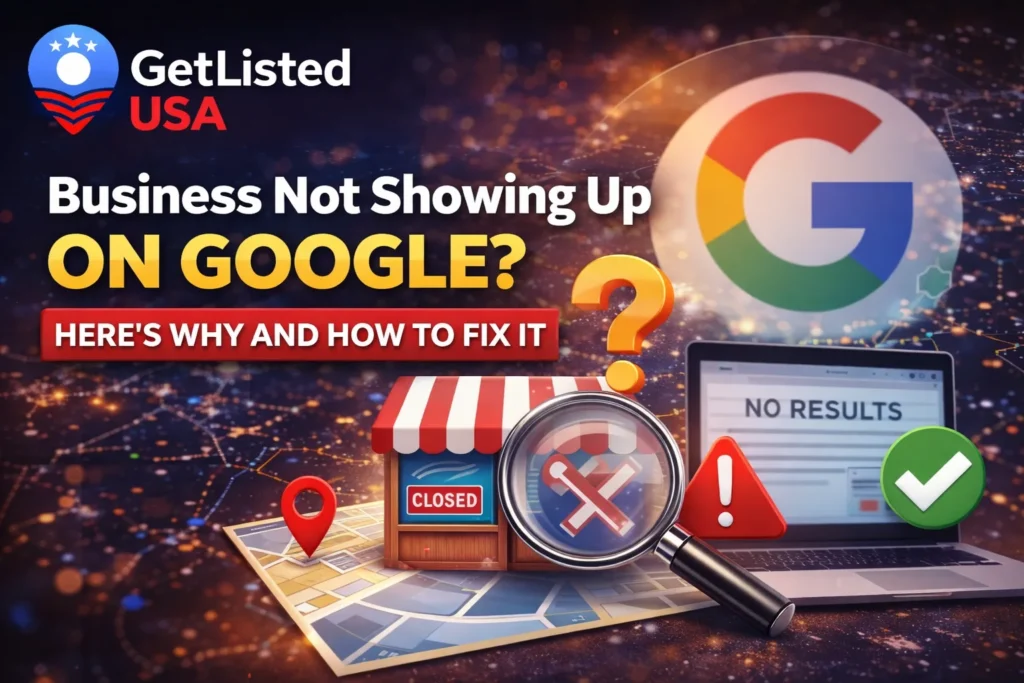
You have built something real. Your business is open, your services are solid, and your team is ready. But when a potential customer searches for what you offer, your business is nowhere to be seen on Google. No Maps listing. No search result. Nothing.
It is a frustrating experience, and it is more common than most business owners realize. The good news is that in nearly every case, this problem has a clear cause and a straightforward fix.
Your business may not be showing up on Google because your Google Business Profile is unverified, your NAP (Name, Address, Phone) details are inconsistent across the web, your listing is incomplete, or your website lacks proper on-page SEO. Fixing these issues involves claiming and verifying your profile, completing all business information, building consistent citations, and optimizing your website content for local search.
What Does “Business Not Showing Up on Google” Actually Mean?
Before diving into the fixes, it helps to understand the two main places your business should appear on Google.
The first is Google Search, which shows your website when someone searches for your business name or services you offer. The second is the Google Local Pack, which is the map and three business listings that appear at the top of local search results. Getting visible in both takes different but overlapping strategies.
A business can be invisible in one, the other, or both. The reasons differ slightly depending on which one you are dealing with.
The Most Common Reasons Your Business Isn’t Showing Up on Google
Your Google Business Profile Is Not Verified
If your Google Business Profile (GBP) has not been verified, Google will not display it in Maps or local search results. Verification confirms to Google that your business is real, active, and located where you say it is. Without it, your listing is essentially invisible.
This is the single biggest reason businesses disappear from Google Maps results. You might have created a profile, filled in all the details, and added photos, but if you never completed the verification step, none of that work will show up publicly.
According to Google’s official support documentation, verifying your business confirms that your information is accurate and makes you eligible to appear in Google Search and Maps. The verification process typically involves receiving a postcard at your business address with a unique code, though phone and email verification are also available for eligible businesses.
How to fix it: Go to Google Business Profile, search for your business, and follow the verification steps. Once verified, allow up to 72 hours for your listing to go live, and sometimes a few days more in competitive markets.
Your Business Profile Is Incomplete or Has Inaccurate Information
Google rewards complete, accurate profiles. A listing with missing hours, no photos, vague categories, or incorrect contact details is unlikely to rank well because Google cannot be confident enough to recommend it to searchers.
Think of your Google Business Profile the way you would think of a job application. A half-filled form does not inspire confidence. Google uses the completeness and accuracy of your profile as a ranking signal when deciding which businesses to show in the Local Pack.
Make sure you have covered every section: business name, address, phone number, website URL, business hours, service categories, a detailed business description, and high-quality photos. Businesses with complete profiles are significantly more likely to be considered reputable by Google’s local search algorithm.
How to fix it: Log in to your Google Business Profile dashboard and go through every section. Fill in your primary and secondary categories carefully. Your primary category should describe exactly what your business does, not just broadly what industry you are in.
NAP Inconsistency Across the Web
NAP stands for Name, Address, and Phone Number. If these details appear differently across your website, social media, directories, and business listings, Google’s algorithm gets confused and loses trust in your business information. This directly hurts your local search visibility.
This is one of the most overlooked local SEO problems. You might have your address listed as “123 Main St” on your website but “123 Main Street, Suite A” on a directory. Those small differences add up. Google cross-references your business information from dozens of sources across the web, and inconsistencies are a red flag.
Getting listed on trusted local directories helps establish consistent citations that reinforce your NAP data. Get Listed USA is a free US business directory where you can create an accurate, consistent listing that adds to your citation profile and strengthens your local visibility. You can submit your business here and ensure your details are presented correctly across a reputable platform.
How to fix it: Audit all your online listings and make sure the name, address, and phone number match exactly. Even small differences in punctuation or abbreviation matter. Once cleaned up, you can explore the full business listing categories on Get Listed USA to ensure your business is visible in the right niche.
Your Website Has Not Been Indexed by Google
If Google has never crawled or indexed your website, it will not appear in organic search results. A site with no backlinks, no sitemap, blocked crawl settings, or very thin content can remain invisible to Google’s search bots indefinitely.
This is particularly common with brand-new websites or sites built on platforms where indexing is not automatically enabled. Your website could be live and fully functional and still not appear in any Google search result if Google has never visited and stored its pages.
How to fix it: Use Google Search Console (it is free) to check whether your site is indexed. Submit your sitemap through Search Console and request indexing for your key pages. Make sure your website does not have a “noindex” tag accidentally enabled, which is a surprisingly common issue on sites built with certain page builders or plugins.
Your Business Is in a Highly Competitive Niche or Location
Even with a fully verified and complete profile, you may struggle to rank if you are competing in a saturated local market. In these cases, Google tends to favor businesses with more reviews, more complete profiles, longer track records, and stronger website authority.
If you are a new business in a busy city competing with established players who have hundreds of reviews and years of online presence, showing up in the top three of the Local Pack will take consistent, ongoing effort.
How to fix it: Focus on earning genuine customer reviews, building local backlinks, creating useful content on your blog, and expanding your citation profile across multiple directories. The Get Listed USA blog has practical guides on local SEO strategies, including a comprehensive Local SEO for Small Businesses: Complete 2026 Guide and a Business Listing Sites USA: Free Business Directories Guide that can help you build out your citation strategy.
You Have Not Optimized for Relevant Keywords
If your website content and Google Business Profile do not include the words and phrases your customers are actually searching for, Google has no strong reason to surface your business for those queries. Keyword alignment between your profile, your website, and actual search behavior is essential.
This does not mean stuffing keywords into every sentence. It means writing your business description, service pages, and blog content in a way that naturally reflects how your customers search. A plumber in Denver who writes “We fix leaking pipes in Denver homes” will perform better for local plumbing searches than one whose site just says “Quality services at fair prices.”
How to fix it: Research the actual phrases people type when looking for your type of business. Use tools like Google’s free keyword planner or simply look at the autocomplete suggestions when you search for your services. Then use those phrases naturally across your website, in your GBP description, and in your service category selections.
Your Google Business Profile Has Been Suspended or Has a Penalty
Quick Answer: Google can suspend a business listing if it violates quality guidelines. Common causes include keyword stuffing in your business name, using a virtual office address, duplicate listings, or a sudden flood of reviews. A suspended listing will not appear anywhere in Google Search or Maps.
If you have searched for your business and it has simply vanished after previously showing up, a suspension is a real possibility worth investigating.
How to fix it: Log into your Google Business Profile and check for any suspension notices. If suspended, review Google’s Business Profile guidelines to understand what triggered it, make the necessary corrections, and then submit a reinstatement request. Be honest and detailed in your appeal.
How to Find Local Businesses and Why Being Listed Matters
It is worth stepping back and seeing this from your customer’s perspective. When someone searches for a local service, they typically look at the first three results in the Map Pack, check a few reviews, and make a decision in under two minutes. If you are not in those results, you are simply not part of that decision.
Understanding how customers find local businesses can help you prioritize where to invest your visibility efforts. Being present on multiple trusted platforms, including business directories, review sites, and your own optimized website, creates a strong web of signals that Google uses to validate your business and boost your local rankings.
A Quick Checklist to Get Your Business Showing Up on Google
Here is a summary of the actions that will have the most impact:
- Claim and verify your Google Business Profile
- Complete every section of your profile with accurate, detailed information
- Ensure your business name, address, and phone number are identical everywhere online
- Submit your website to Google Search Console and request indexing
- List your business on reputable directories like Get Listed USA
- Earn and respond to genuine customer reviews
- Add location-specific and service-specific keywords to your website and profile
- Check for any suspension notices in your GBP dashboard
- Build a consistent content strategy that answers questions your customers are searching for
FAQs
How long does it take for my business to show up on Google after verification?
Most businesses appear within a few days of verification. In some cases, it can take up to two weeks, particularly in competitive markets or if additional review is needed.
Why is my business showing on Google Search but not on Google Maps?
This usually means your Google Business Profile is either unverified, missing a physical address, or set up as a service-area business with hidden location details. Double-check your profile settings and make sure your address is confirmed.
Do I need a website to show up on Google?
Not necessarily. A verified Google Business Profile can appear in Maps results without a website. However, having a well-optimized website significantly improves your chances of appearing in organic search results and builds overall credibility.
Can being listed on business directories help my Google ranking?
Yes. Directory listings create what SEO professionals call “citations,” and consistent citations across trusted platforms are a recognized local ranking factor. You can add your business listing on Get Listed USA to start building that citation profile for free.
Read Also: How to Find Local Businesses Near You